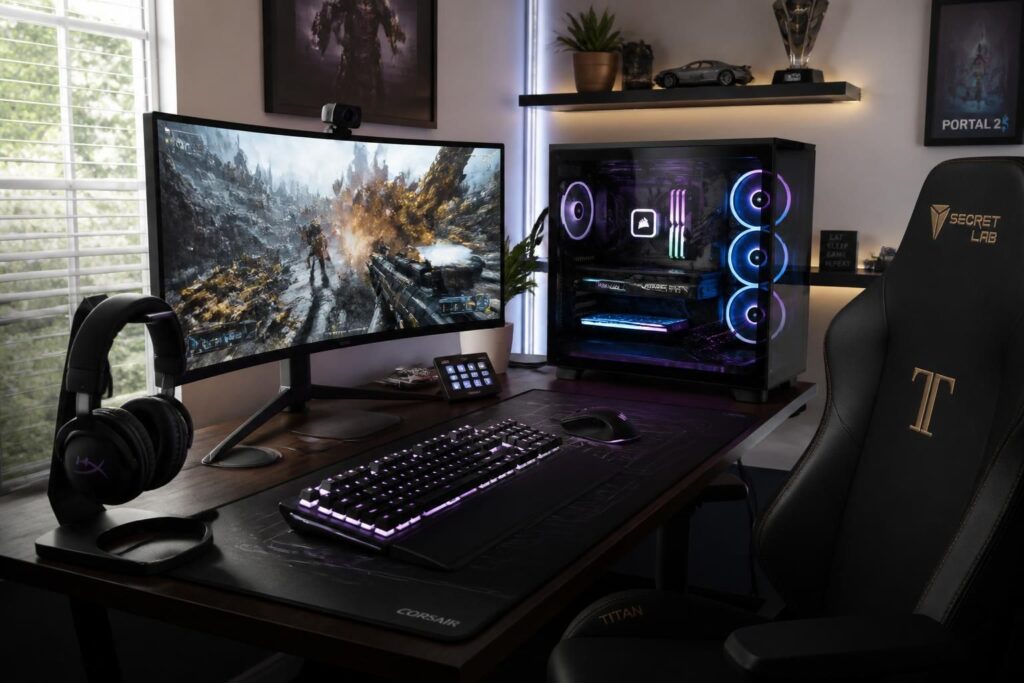
Choosing a gaming PC is no easy task, especially when the budget is limited and the needs differ from one player to another. In 2026, the diversity of components and technological advances make the selection both exciting and complex. To fully enjoy rich graphics, reduced loading times, and exemplary smoothness, several criteria prove essential. The processor, the neural center of the machine, must be powerful enough to handle the latest video game innovations without hiccups. However, it is important to find a balance with the graphics card, often the centerpiece of the gaming PC, which takes care of rendering every visual detail with finesse. The RAM and the type of storage also play a crucial role in ensuring a frustration-free experience, notably with SSDs that significantly reduce waiting times. Finally, choosing an efficient cooling system will prevent heat from hindering performance during long gaming sessions.
A well-thought-out assembly is the key to avoiding disappointments, with particular attention paid to compatibility between components, a guarantee of harmonious operation. Yet, there is no need to aim for the most expensive configurations: a balanced PC will offer a pleasant gaming experience at an appropriate price, often starting at around 800 euros for a casual player. For more invested gamers, ready to explore their virtual worlds in high definition and with the latest graphical settings, a higher budget is generally necessary.
- Processor: the basis of computing power to handle modern games.
- Graphics card: the central piece for smooth and realistic graphics.
- RAM: influences the speed and smoothness of in-game actions.
- SSD Storage: allows fast startup and reduced loading times.
- Cooling: essential to maintain performance even during intense sessions.
- Compatibility: components must complement each other for maximum optimization.
- Budget: to be adjusted according to the intensity of gaming and quality expectations.
Processor Power: A Pillar for Balanced Performance
The processor, or CPU, directs the overall operation of the gaming PC, a kind of conductor orchestrating the calculations needed to run games. Today, the two big names are Intel and AMD, with ranges suited to each use. A model like the Ryzen 5 from AMD or the Core i5 from Intel suits the majority of players, guaranteeing sufficient power to explore various titles without stutters.
For those who dive into the most demanding universes, more powerful processors like the Core i7 or the Ryzen 7 become a real asset. They notably allow streaming, performing multiple tasks simultaneously, or pushing graphical limits without fearing annoying slowdowns. It should be noted that entry-level models such as the Core i3 or Ryzen 3 struggle to keep up with recent game releases due to insufficient resources.
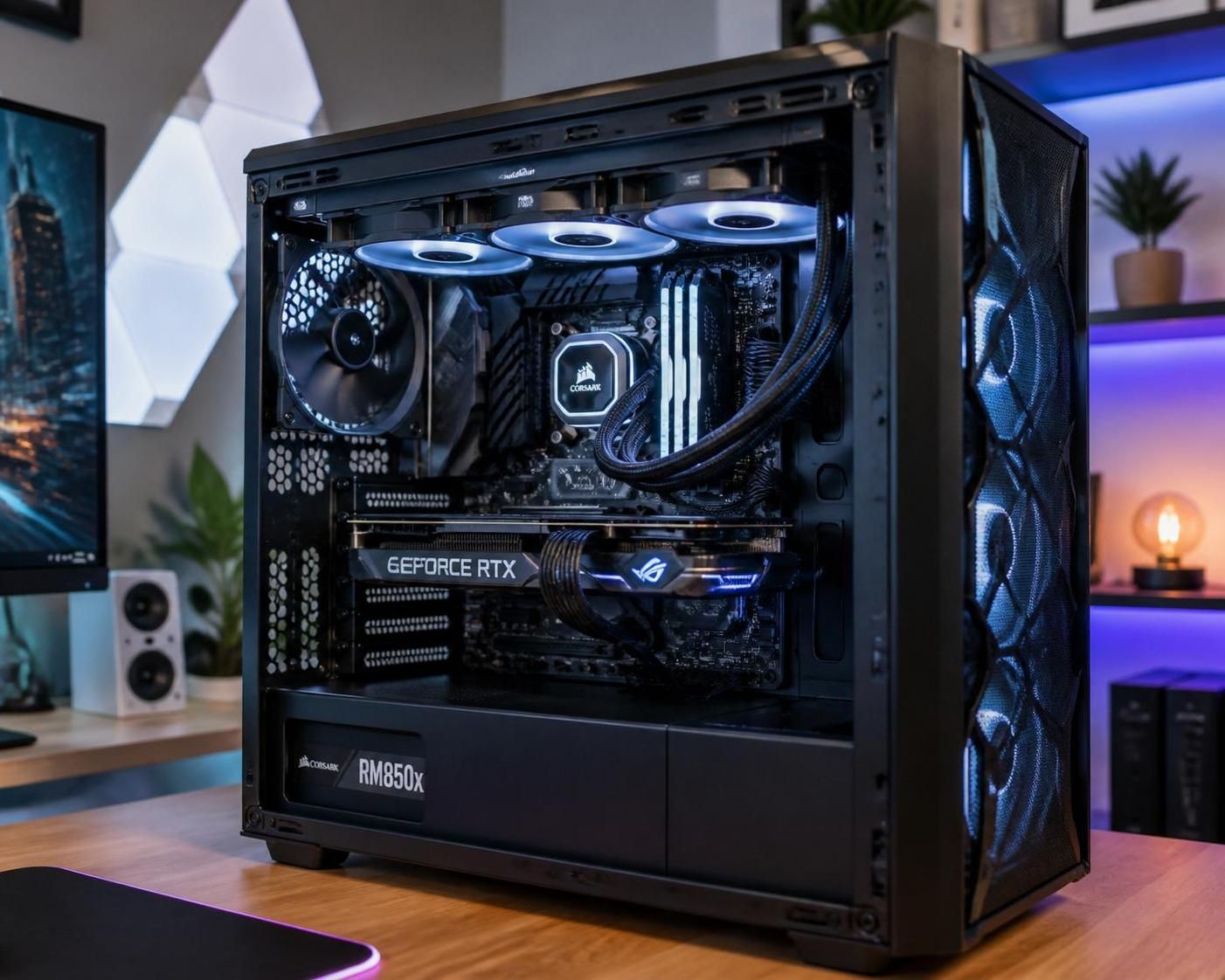
The Graphics Card, the Beating Heart of the Visual Experience
In the world of gaming PCs, the choice of graphics card is often a priority. This component translates each game scene into captivating images, playing on texture quality, shadows, and movement fluidity. Two manufacturers dominate this market: NVIDIA and AMD.
For occasional sessions, cards like the Nvidia GeForce RTX 3050 or the AMD Radeon RX 6600 offer a very good compromise between performance and price. They allow for a smooth experience in Full HD resolution and even beyond for certain titles. On the other hand, demanding players or fans of the latest games will turn to higher-end references, such as the Nvidia GeForce RTX 3070 and above, which guarantee refined graphics, sometimes in 4K and with effects like ray tracing.
A practical tip: consulting graphics card comparisons related to your favorite games helps better identify which one best matches your expectations. For example, you can draw inspiration from resources available on City of Moms to compare certain gaming models.
RAM: Speed and Smoothness Without Compromise
RAM acts like the working memory of the gaming PC. The more there is, the more the computer can handle operations simultaneously without slowdown. In 2026, most players will find ideal comfort with at least 16 GB of DDR4 RAM. This amount ensures smoothness during demanding games, efficient multitasking to switch from gaming to streaming, or managing heavy applications simultaneously.
On the other hand, having 8 GB remains sufficient for casual players or less demanding titles. Beyond that, 32 GB is rather aimed at users eager for extreme performance and those planning to upgrade their PC in the long term.
Storage: Betting on Speed Thanks to SSDs
The type of storage directly influences how fast a gaming PC boots up and opens games. Where a traditional hard drive could slow startup, the SSD (Solid State Drive) offers a real time gain. Moreover, the 2026 trend favors M.2 NVMe SSDs, particularly fast and suited to bulky and demanding titles.
A familiar anecdote for many: switching from a mechanical hard drive to an SSD transforms the waiting sensation, notably for launching games and loading levels. Sessions become smoother, thus preserving player motivation and immersion. Depending on needs, it is possible to combine a fast SSD for the system and a larger traditional hard drive for file storage.
Cooling System: Preserve the Machine to Last
When power is present, the heat generated by the components can quickly become an obstacle to performance. An effective cooling system is therefore essential to keep a gaming PC functional and quiet.
Options range from simple and economical air ventilation to more efficient and quieter water cooling systems. In all cases, the goal is to stabilize the temperature of the processor and graphics card, thus avoiding overheating that can cause slowdowns or even damage the hardware. This care will extend the lifespan of your computer and offer you optimal gaming sessions, even in intense conditions.
The Motherboard, Cornerstone of Compatibility
At the heart of the computer, the motherboard links all components. Ensuring its quality will guarantee good communication between the processor, graphics card, memory, and storage. It also conditions the possibility of evolving in the future, which is a good point for amortizing your budget over time.
A valuable tip is to choose a motherboard that supports the latest standards and offers several slots for RAM, drives, and other equipment. With an appropriate model, upgrading your PC becomes simpler and less costly in the medium term.
| Component | 2026 Recommendation | Usage | Indicative Price (€) |
|---|---|---|---|
| Processor | Intel Core i5 / AMD Ryzen 5 minimum | Classic, high-performance games | 200 – 300 |
| Graphics card | Nvidia RTX 3050 / AMD RX 6600 for beginners | Smooth Full HD gaming | 250 – 350 |
| RAM | 16 GB DDR4 | Multitasking smoothness | 80 – 120 |
| Storage | SSD M.2 NVMe 500 GB minimum | Fast startup | 70 – 100 |
| Cooling | Air ventilation or liquid system | Stable performance | 50 – 120 |
For those who want to immerse themselves further in the gaming world or offer a suitable gift to a passionate teenager, some inspiring ideas are available, notably with a specialized selection like teen gift ideas that consider digital universes.
Finally, for an immersive sound experience, choosing an appropriate headset is essential. Discover how to choose your gaming headset to best accompany your video game adventure on City of Moms.
Which processor to choose for a gaming PC in 2026?
For good performance while remaining reasonable on the budget, an Intel Core i5 or AMD Ryzen 5 processor is recommended. For demanding players, the Core i7 or Ryzen 7 will provide additional comfort, especially in multitasking.
Which graphics card is ideal for recent games?
A Nvidia GeForce RTX 3050 or AMD Radeon RX 6600 is sufficient for casual players, while the RTX 3070 or a higher model is recommended for enthusiasts seeking the best visual quality.
Why prioritize an SSD in a gaming PC?
The SSD considerably reduces startup times for the PC and games, thus improving the user experience by making loading almost instantaneous.
How to choose your cooling system?
You should choose between simple and economical air cooling or a more efficient liquid system, depending on usage intensity and desired noise level.
How to ensure component compatibility?
Opt for a motherboard adapted to the latest standards, capable of accommodating modern RAM, graphics cards, and storage to avoid incompatibilities and allow easy upgrades.